Apple rolls out AT&T carrier update for iPhone 18 Pro Max on iOS 27.2 beta
By the AIdeaFlow Team
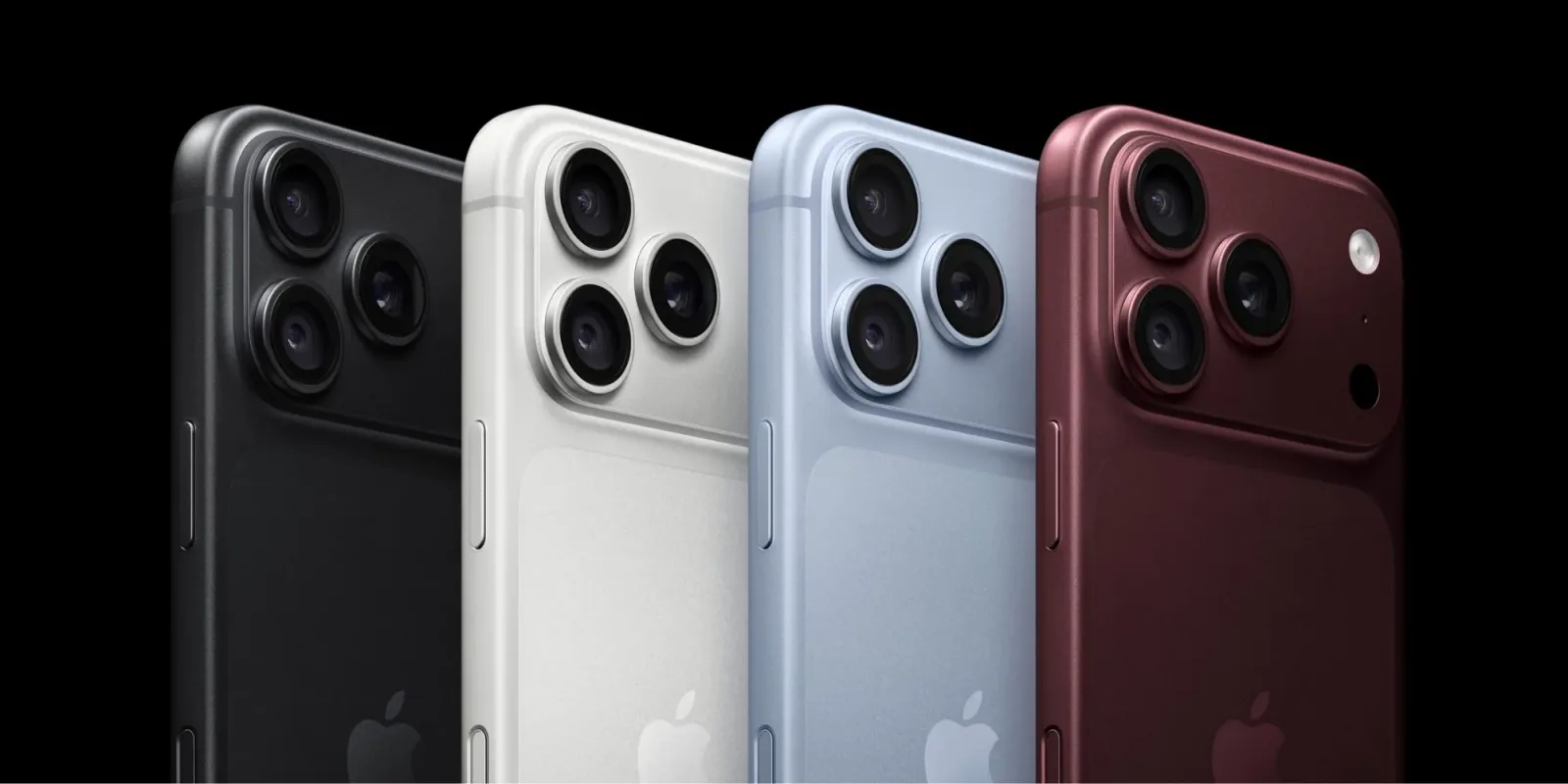
Apple has quietly pushed another carrier settings update for iPhone 18 Pro Max users currently testing the iOS 27.2 beta. This comes just a week after the company released a previous bundle aimed at resolving specific cellular connectivity issues for AT&T subscribers. The rapid succession of these updates suggests that the integration between the new hardware and carrier networks is still in a volatile state.
According to early reports, the latest carrier bundle is distinct from the previous fix. While the first update targeted immediate connectivity drops, this new iteration appears to focus on optimizing data throughput and handoff stability. For beta testers, this means that the baseline experience for cellular service is still being refined before the final public release of iOS 27.2.
The iPhone 18 Pro Max represents a significant leap in hardware design, but it also introduces new radio frequencies and antenna configurations. These changes often require carrier-side adjustments to ensure seamless service. Apple’s reliance on carrier settings updates rather than full system patches indicates that these are network-specific tweaks that must be approved and deployed by individual carriers like AT&T.
This pattern of iterative updates is becoming more common as 5G Advanced and future 6G preparations begin to influence current device firmware. Carriers are constantly tweaking their network parameters to improve efficiency and coverage. Apple must align its devices with these changes, leading to a cycle of beta testing and rapid patching that can frustrate early adopters.
For users on the iOS 27.2 beta, the presence of multiple carrier updates in a short timeframe is a signal that the cellular stack is not yet stable. It is advisable to keep an eye on the carrier settings notification in your iPhone settings. If an update is available, installing it promptly can resolve unexpected drops in signal or data speeds that might otherwise be attributed to software bugs.
The broader implication here is that hardware innovation is outpacing network standardization. As devices become more capable, the burden of compatibility shifts to the software layer. This places additional pressure on Apple’s engineering teams to anticipate carrier needs and on carriers to support new hardware profiles quickly. The gap between release and stability is narrowing, but it is not closed.
What this means for you: If you are relying on your iPhone for critical work communications, avoid installing major beta updates during periods of frequent carrier patches. Wait for the first stable release of iOS 27.2 to ensure your cellular service is fully optimized. You can monitor the status of your carrier settings by navigating to Settings > General > About. If you see a prompt to update your carrier settings, do so immediately to ensure you have the latest network optimizations.
Try this workflow: Use an AI assistant to track the release notes of iOS betas and carrier updates. Ask your AI tool to summarize the key changes in each carrier bundle and compare them to your specific carrier’s known issues. This can help you decide whether to update now or wait for a more stable build, saving you time troubleshooting connectivity problems.
Ready to apply this tech at your business?
Viking Net helps teams in San Antonio and worldwide stay ahead.