Learning to use local AI is exciting, overwhelming, and frustrating
By the AIdeaFlow Team
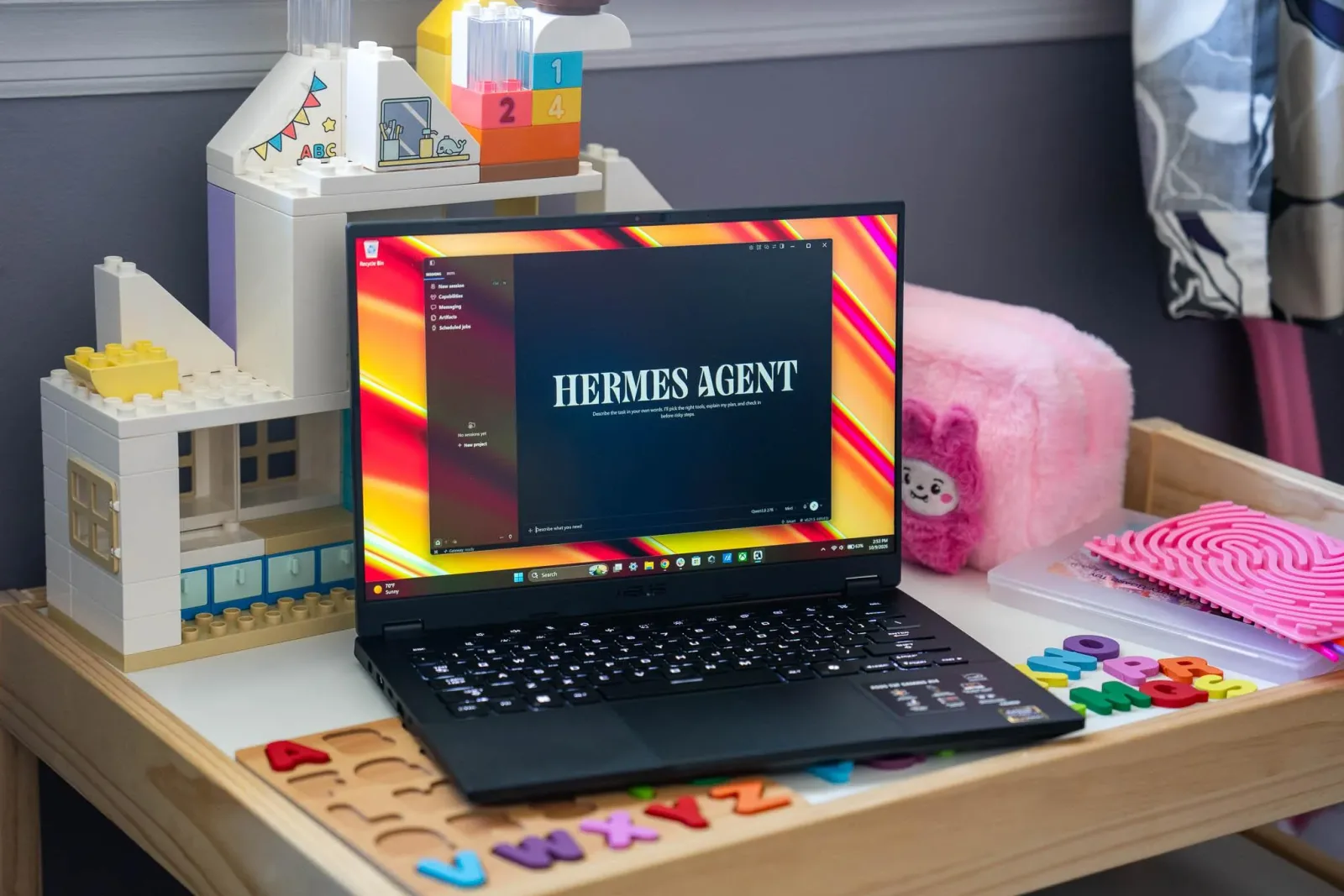
The Verge is running a new series following one writer's attempt to actually use local AI models in daily work, and it captures something a lot of us feel: the gap between AI hype and practical reality.
Antonio G. Di Benedetto frames his experiment around a tension many professionals face. Cloud AI services are powerful and easy, but they require sending your data to someone else's servers. Local models promise privacy and control, but they demand serious hardware investments and technical know-how. According to The Verge, Apple's new Mac desktops are being pitched partly on their ability to run these models, which tells you where the industry thinks this is heading.
What makes this interesting is the honesty. Di Benedetto isn't claiming expertise. He's documenting the messy middle ground where most of us actually live: curious about AI's potential, skeptical of the costs, and unsure whether the juice is worth the squeeze. That's a more useful perspective than another expert telling you local AI is the future.
The hardware question is real. Running capable local models typically means 32GB of RAM minimum, often 64GB or more, which can add $800 to $1,600 to a laptop or desktop. You're paying that premium for privacy and offline access, but you're also betting that local AI will actually integrate into your workflow enough to justify it.
The learning curve is the other half of the equation. Cloud services abstract away the complexity. Local setups require you to understand model formats, context windows, quantization, and a pile of other concepts that weren't part of most people's job descriptions last year. It's empowering if you're into that. It's friction if you just want to get work done.
What this means for you: if you're considering local AI, start small before spending thousands on hardware. Install a tool like Ollama on your current machine and try running a smaller model like Llama 3.2 or Mistral for a week of real tasks. See if the privacy tradeoff and added complexity actually change how you work. If you're drafting documents, try this prompt with a local model: "Review this draft for clarity and suggest three specific improvements to make the main argument stronger" and compare the quality and speed to what you get from ChatGPT or Claude. That hands-on comparison will tell you more than any spec sheet about whether local AI fits your actual workflow.
Ready to apply this tech at your business?
Viking Net helps teams in San Antonio and worldwide stay ahead.