HomeView can display third-party widgets from your iPhone
By the AIdeaFlow Team
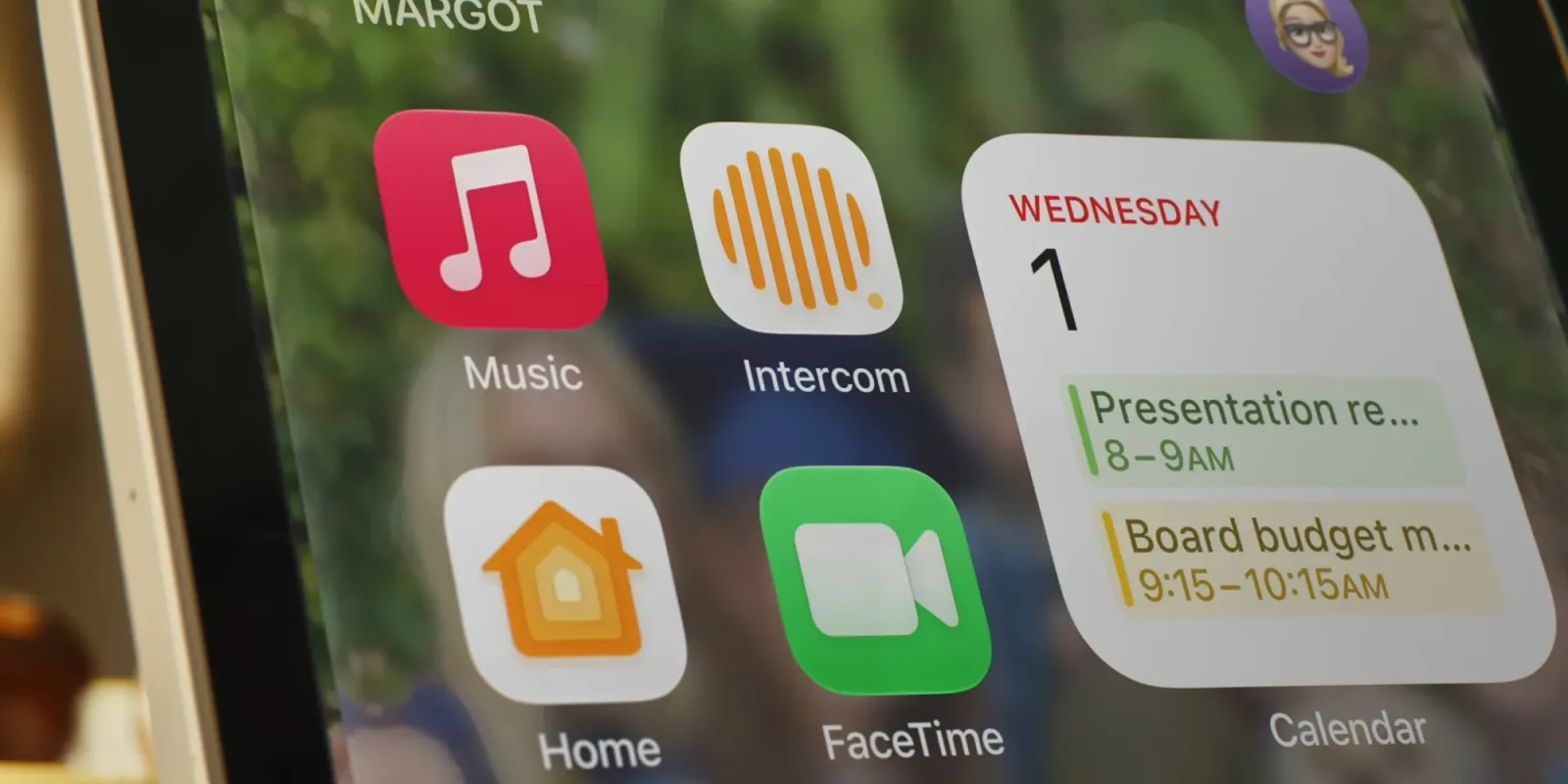
Apple has officially introduced HomeView, a new hardware device that is set to change how we interact with smart home displays. According to recent reports, the device will not feature a traditional App Store. This decision initially raises questions about how users will customize their experience without the ability to download a wide variety of standalone applications directly onto the hardware.
However, the company has clarified that HomeView will support third-party apps in specific, limited capacities. The most significant of these features is the ability to run third-party widgets directly from your iPhone. This approach allows users to extend the functionality of their existing iOS apps onto the HomeView screen without needing to develop separate, native applications for the new device.
This strategy represents a clever compromise for Apple. By avoiding the complexity and security risks of a full App Store, they maintain tighter control over the user experience. At the same time, they are not locking users out of the rich ecosystem of tools they already use on their iPhones. It is a pragmatic solution that balances openness with ecosystem management.
For developers, this news suggests a new avenue for engagement. Instead of building complex native apps for a new platform, they can focus on creating robust widgets. These widgets can then be seamlessly integrated into the HomeView interface. This lowers the barrier to entry for many smaller developers who might find the overhead of a full app development cycle too high for a niche hardware device.
From a consumer perspective, this means your HomeView will feel familiar from day one. You do not need to hunt for new apps to get value from the device. If you already use a weather app, a calendar tool, or a productivity tracker on your iPhone, those same tools can likely appear on your HomeView. It reduces the friction of adopting new hardware and encourages immediate utility.
This move also highlights Apple’s broader trend of deepening integration between its hardware products. The HomeView is not designed to be a standalone computer or a tablet replacement. It is an extension of your iPhone and your smart home. By tethering its functionality to iOS widgets, Apple ensures that the device remains lightweight, fast, and deeply connected to your primary computing device.
What this means for you: If you are planning to buy HomeView, check which of your favorite iPhone apps offer widget support. You do not need to worry about finding new software. To get the most out of this feature, try this workflow: Open your iPhone, go to the widget customization screen, and select the widgets you want to display. Then, sync your HomeView. You will see those same tools appear instantly, giving you a unified view of your daily information without switching devices.
The lack of an App Store might disappoint some power users who want a fully customizable experience. However, for the average user, the ability to bring their existing iPhone widgets to a larger screen is likely more valuable than a library of dedicated apps. It is a smart design choice that prioritizes convenience and integration over sheer volume of options.
Ready to apply this tech at your business?
Viking Net helps teams in San Antonio and worldwide stay ahead.