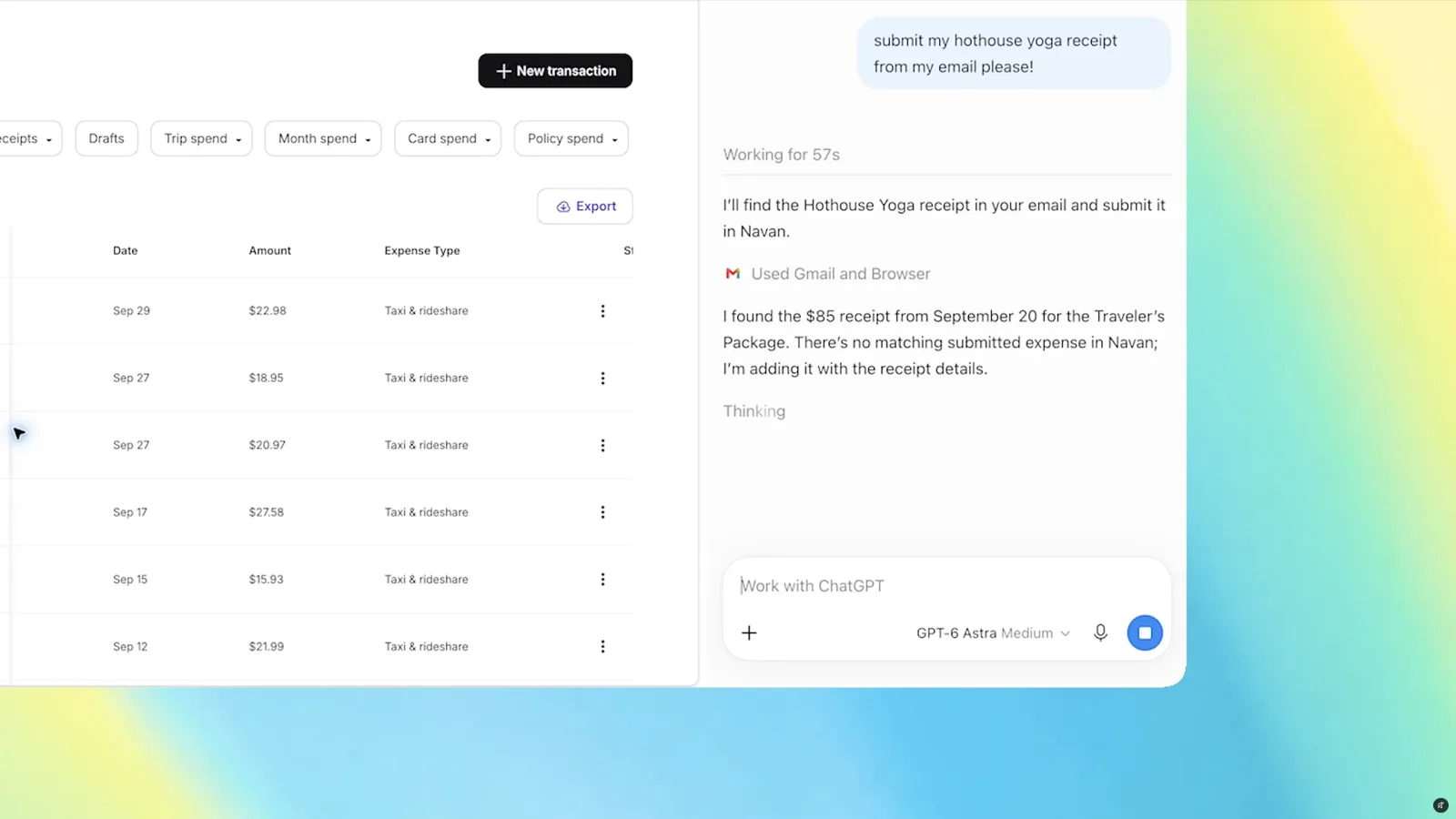
OpenAI is making a significant move to integrate ChatGPT deeper into your daily browsing routine. The company has announced that the ChatGPT Chrome extension can now view and interact with the tabs you already have open. This feature replaces the discontinued Atlas browser, which was a standalone environment designed for AI interactions. Now, the AI assistant lives directly within the tools you already use every day.
According to The Verge, this update allows users to tag Chrome within the ChatGPT web or desktop application. Once activated, the AI can see what you are looking at in your browser. This capability transforms ChatGPT from a passive chatbot into an active participant in your research and decision-making processes. It bridges the gap between isolated AI conversations and real-world information gathering.
The practical implications of this change are substantial for anyone who does heavy research online. You no longer need to copy and paste text from multiple sources into a chat window. Instead, you can simply ask ChatGPT to compare the content of three open tabs. For example, you might have three different sofa product pages open and ask the AI to summarize the differences in price, material, and delivery options.
This functionality represents a broader industry trend toward context-aware AI assistants. Competitors are racing to make their tools more seamless and less intrusive. By embedding AI capabilities directly into the browser extension, OpenAI is reducing the friction between finding information and analyzing it. This approach prioritizes convenience and speed over creating a new digital workspace.
However, this level of access raises important privacy considerations. Allowing an AI to view your active tabs means it has access to a snapshot of your current digital activities. Users should be mindful of what they have open when they enable this feature. It is wise to close sensitive or private tabs before tagging Chrome for AI assistance. Transparency from OpenAI regarding data handling in this context will be crucial for user trust.
The removal of the Atlas browser suggests that OpenAI has learned from early feedback. Standalone browsers often feel clunky and disconnected from the rest of the web. By focusing on the Chrome extension, OpenAI is choosing a path of least resistance for users. This strategy likely aims to increase adoption by meeting users where they already spend their time online.
What this means for you: You can now streamline your research workflow by letting ChatGPT analyze multiple sources simultaneously. Try this prompt in your next research session: Open your three favorite articles on a topic, tag Chrome in ChatGPT, and ask it to create a comparison table of the key arguments presented in each tab. This will save you hours of manual note-taking and help you synthesize information faster than ever before.
Ready to apply this tech at your business?
Viking Net helps teams in San Antonio and worldwide stay ahead.