More than Just Storage: 8 Ways To Repurpose Your Old USB Flash Drive
By the AIdeaFlow Team
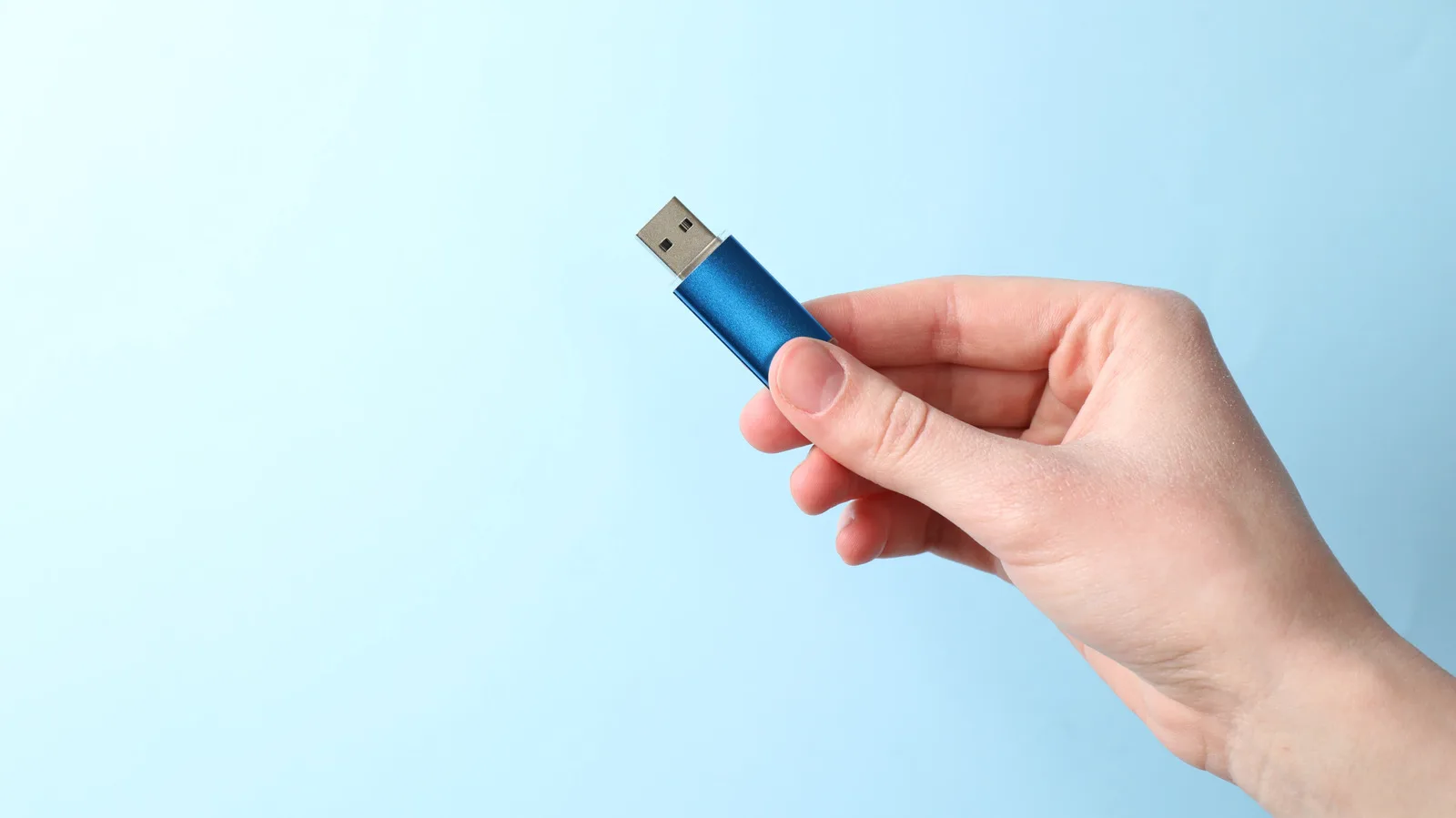
We all have that drawer. It is filled with forgotten USB flash drives from old conferences, dead laptops, and obsolete projects. Most people see them as e-waste waiting to happen. But for the AI enthusiast and the tech-savvy professional, these small devices hold untapped potential beyond simple file storage.
According to recent insights on repurposing hardware, these drives can be transformed into powerful security tools. You can use them as physical two-factor authentication devices. This adds a layer of security to your cloud accounts and AI platform logins that passwords alone cannot provide. It is a tangible key to your digital identity.
Another compelling use is creating a portable diagnostic toolkit. You can flash a lightweight Linux distribution onto the drive. This allows you to boot any computer and run system checks without touching the host machine. For IT professionals, this is invaluable for troubleshooting hardware issues or recovering data from failing systems safely.
The drive can also serve as a dedicated bootable installer for operating systems. Instead of relying on slow cloud downloads or fragile ISO files, you keep a ready-to-go Windows or Linux installer on hand. This is particularly useful for setting up new development environments or testing different AI frameworks on bare metal.
For those interested in privacy, these drives can host encrypted virtual machines. You can run a fully isolated operating system that leaves no trace on the host computer. This is perfect for testing untrusted software or experimenting with new AI models without risking your primary system's stability or data integrity.
You can also turn a USB drive into a portable web server. By installing a lightweight web server software, you can host static sites or simple APIs directly from the drive. This is a great way to demonstrate projects or share resources in environments with limited internet access or strict network policies.
What this means for you Stop throwing away old hardware. Repurpose a USB drive to create a secure, portable bootable environment for your AI development work. Try this prompt with your AI assistant to get started:
"Create a step-by-step guide for using Rufus to create a bootable Linux USB drive on a Windows machine, focusing on privacy and system diagnostics."
This simple shift turns clutter into a versatile tool for your tech arsenal. It is a small change that yields significant practical benefits for your workflow and security posture.
Ready to apply this tech at your business?
Viking Net helps teams in San Antonio and worldwide stay ahead.